&imwidth=800&imheight=600&format=webp&quality=medium "Google Gemini AI update: Schedule tasks and access live chat with a swipe gesture")
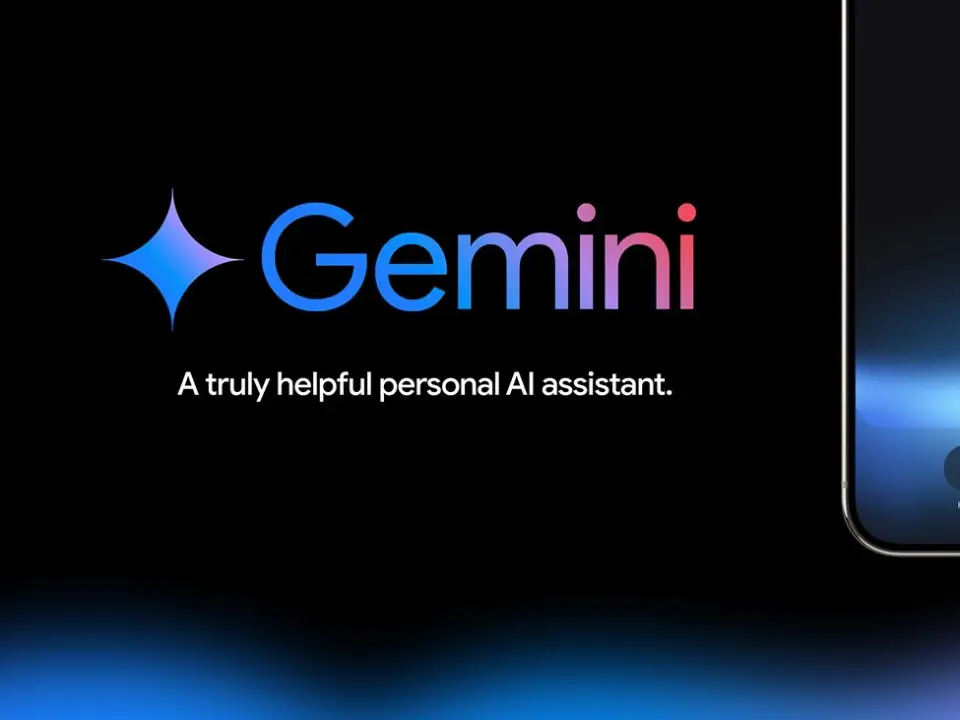
Google Gemini now supports scheduled actions and a new live swipe feature
Google adds scheduled actions to improve AI assistance
Google has announced a new update for its AI tool Gemini, allowing users to schedule both one-time and recurring actions. At Google I/O 2025, this new feature, called Scheduled Actions, is designed to help users better manage routine tasks with the help of AI. It works in a way similar to ChatGPT’s scheduled tasks, which were introduced earlier this year by OpenAI.

With this update, Gemini users can now ask the chatbot to perform a task at a specific time, change an ongoing prompt, or provide updates on regular activities. Users can also view calendar summaries, unread emails, or even check live sports updates through Gemini.
The feature is currently available only to users with Google AI Pro or Ultra subscriptions, and those on selected Google Workspace business or education plans.
Smart assistant for everyday use
Trending Stories
)
IND vs JPN one-off T20I: India survive scare from Japan to win five-over a side match by 2 runs
)
Putin's United Russia party wins 355 seats in Duma election; 4 other parties cross threshold to enter parliament
)
AI models chose to harm humans to stop ‘pain,’ alarming study raises fresh safety questions
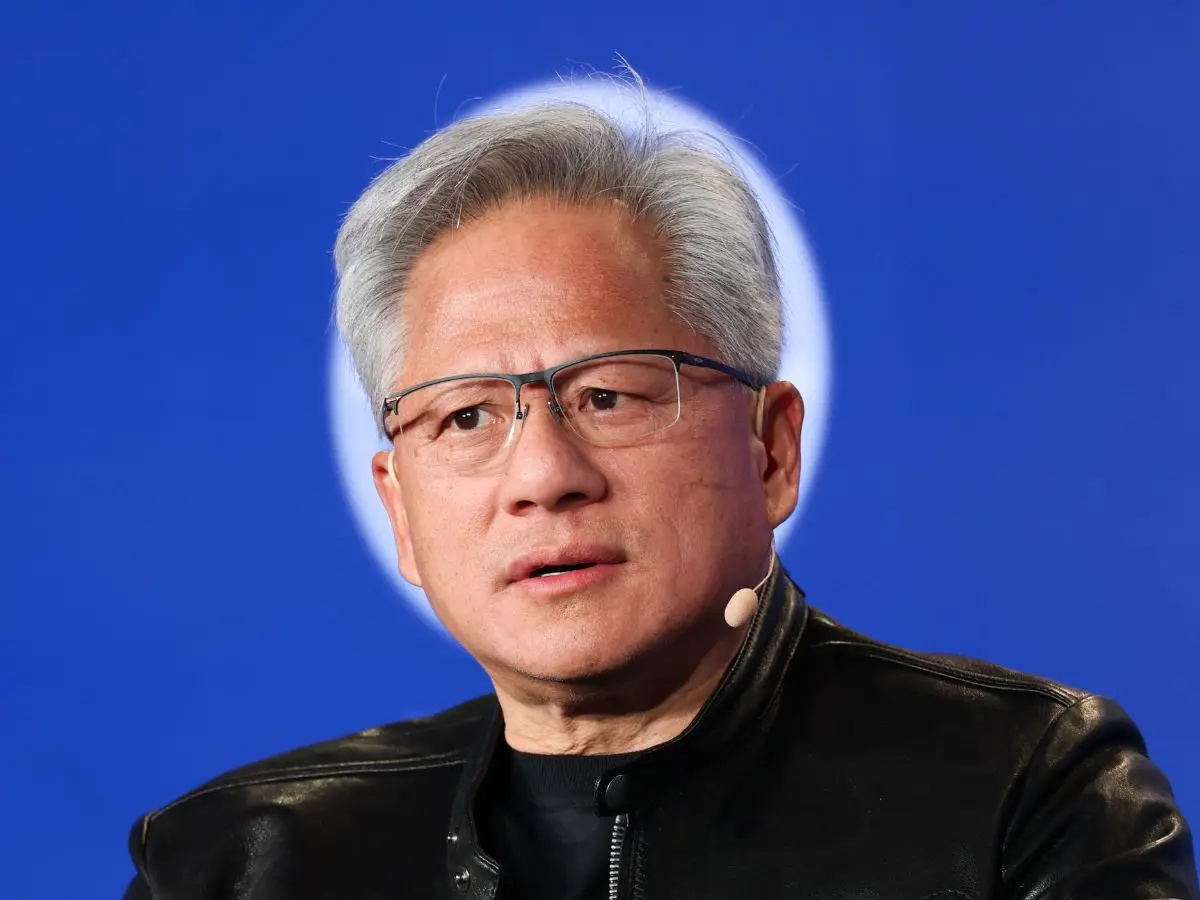)
‘0% chance’: Nvidia CEO Jensen Huang dismisses AI extinction fears by 2030
)
Samay Raina-Mukesh Chhabra controversy explained: What happened over girlfriend joke on India's Got Latent?
)
Trump's helipad event overshadowed by audio failure as major TV networks suspend pool coverage
)
'Needs time away from the international scene': England white-ball captain Brook on pacer Brydon Carse's future
)
New Zealand farms shift to carbon forests: Carbon credits fuel a land rush reshaping rural life
)
Anti-AI activists storm summit, say 'incompetent' leaders are leading us into a disaster - 'We need a vote'
)
J&K Assembly Session begins amid chaos: BJP, ruling alliance clash as statehood demand dominates
)
Asian Games 2026: India women's cricket team beats Sri Lanka by 147 runs for first gold
)
Key accused in Bihar's Jamui molestation case, arrested after police shoot him in leg
)
Randeep Hooda arrives in Gujarat for his first National Film Award: ‘Very grateful’
)
US and China vie for AI dominance as calls grow for regulation | Gravitas
&im=FitAndFill=(700,400))
Anant Nag to recieve Dadasaheb Phalke Award: From Ankur to Nishant- Revisit his best films and iconic performances on OTT
)
UK banks are rethinking financial crime detection because of algorithm
)
FIFA chief Infantino wants to reform governing body with consultation from federations
)
India at UNGA81: Jaishankar warns global order under 'growing stress', pushes for ‘reformed multilateralism’
)
IND vs JPN, one-off T20I: Japan captain Kendel on pushing India to the brink - ‘It was special’
)
Raaka creates history! Allu Arjun’s film secures Guinness World Record ahead of release
)
Saudi Arabia exits China-led mBridge digital currency platform amid Saudi-Houthi conflict
)
Indonesian groups sue govt over wildfires as haze crosses borders, nearly 900,000 hectares burned
)
'Lot of things to learn from experienced players': Jayasuriya backs Rohit, Virat for 2027 ODI World Cup
)
$110 billion Warner Bros merger: Paramount reaches settlement with 12 US states
&im=FitAndFill=(700,400))
New OTT releases this week (September 21-27, 2026): Shaque: Trust No One, Hunkkaar, Don’t Be Shy- 5 new titles coming to Netflix, Prime Video and more
)
From ‘communist’ to ‘great mayor’: Trump praises Mamdani after New York meeting, discusses immigration and housing
)
Report: Zelensky meets CIA chief Ratcliffe at Shannon airport, weeks after his secret Moscow trip
)
How Zaheer Khan came to be CSK's head coach of IPL 2027
)
Who is Clavicular? The 20-year-old controversial 'Looksmaxxing' influencer charged with rape allegations
)
Pilot recreates Mona Lisa in sky over Oklahoma and Arkansas in four-hour flight: VIDEO
)
UK PM Burnham agrees to 'defensive' military support for Saudi Arabia against Houthis
)
Jailer 2: Vidya Balan joins Rajinikanth's upcoming film as Kantha | Watch
&im=FitAndFill=(700,400))
National Film Awards 2026: Kartik Aaryan, Mammootty, Yami Gautam, Randeep Hooda and other key winners
)
Microsoft executive called AI training the ‘largest theft of labour in human history’
)
40-foot waves crash into cruise ship in dangerous stretch near Antarctica. Watch
)
US-Iran war, peace deals and more: What to expect from Trump's UNGA 2026 speech
)
Explainer: Why rare-earth export licences and Board of Trade are US priorities ahead of Trump-Xi summit
)
Two infants die after fire breaks out at RIMS newborn care unit in Telangana's Adilabad
)
Oil slips to $98 as Saudi Arabia restarts East-West oil pipeline
Google shared that the new feature was developed to make Gemini more proactive and helpful in daily life. By scheduling actions, users can automate small but frequent tasks, saving time and boosting productivity.
For example, Gemini can now remind users to check emails at a set time each day or provide weather and traffic updates before morning meetings. The company has not yet confirmed whether there is a limit to the number of tasks users can schedule.
New swipe gesture for Gemini Live
In another update, Google has introduced a new swipe gesture to access Gemini Live, making it easier for users to interact with the chatbot. Instead of using the bottom menu, users can now swipe from the right side of the screen to the left to launch Gemini Live directly. As AI tools continue to grow in capability, companies like Google are focusing on making them more user-friendly. With features like automated actions and simplified gestures, Gemini aims to become a more helpful part of daily routines for professionals, students, and casual users alike.