
&imwidth=800&imheight=600&format=webp&quality=medium "Income tax portal not working? Here's how to remedy the problem")
Many taxpayers have reported facing glitches in filing their income tax returns (ITRs) using the Income Tax e-filing portal. The income tax department has responded to many of these users and told them how to remedy the issues. The deadline for the filing of income tax returns will end today. The e-filing website of the department is probably crashing because of the overload. The department had been warning taxpayers to avoid the last-minute rush.
Taxpayers lamented on X that the website was loading slowly or showing errors while filing the e-returns.
A user named Rahul Singh wrote that he had been trying to file his e-return since yesterday, but the website wasn't moving. "Tried the whole night also. It’s a pathetic situation for taxpayers of this country. Helpline numbers are not responding," he wrote on X.

The Income Tax Department asked the user to write orm@cpc.incometax.gov.in with details like PAN and mobile number. It said that the department's team will help him.
Another user claimed that the website had been moving more slowly than a snail.
"Every click feels like I am applying for ISRO launch clearance. If you can’t make your website run at full speed on the most crucial day of the year, at least give an Extended Due Date!” he wrote on X.
Trending Stories
)
AI kill switch explained: Why shutting down a dangerous AI may not be as simple as pressing a button
)
US ships in Indian Ocean ‘will be attacked’ if war resumes, warns Iran
)
SNL UK takes aim at Ed Sheeran with AI Princess Diana sketch
)
Trump says he'll build an 'AI Force' and appoint a czar, for 'high IQ' people only
)
‘0% chance’: Nvidia CEO Jensen Huang dismisses AI extinction fears by 2030
&im=FitAndFill=(700,400))
What TSMC's 2nm technology means for Apple
)
'Were you here to sell chickpeas?': Wasim Akram criticises Babar Azam's captaincy
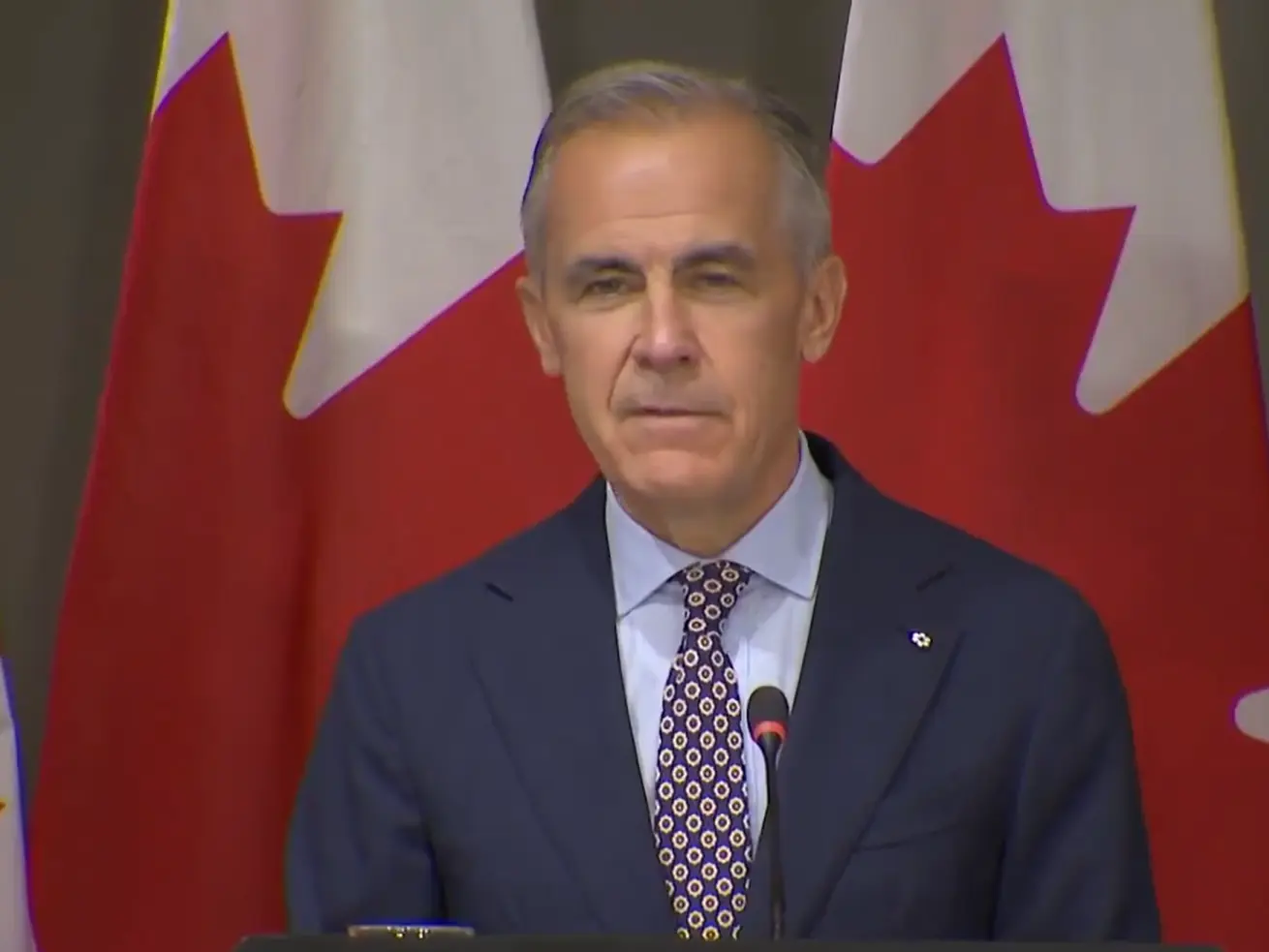)
Mark Carney mimics Trump in hilarious moment over C$70 billion clean-energy investment; room erupts in laughter
&im=FitAndFill=(700,400))
Top 10 countries in mathematics: See the world’s best performers in 2026
)
Apple reportedly building AI server with M8 Ultra chips, may use Nvidia technology
)
TIFF 2026: Theja Rio’s Angh wins Platform Prize, puts Nagaland story on global stage
)
BTS' fans question iHeartRadio’s treatment of group after brief festival set
)
Inside the lethal rebirth of India’s super Sukhoi
)
Samsung raises Galaxy S26 prices by Rs 20,000: Here’s what each model now costs
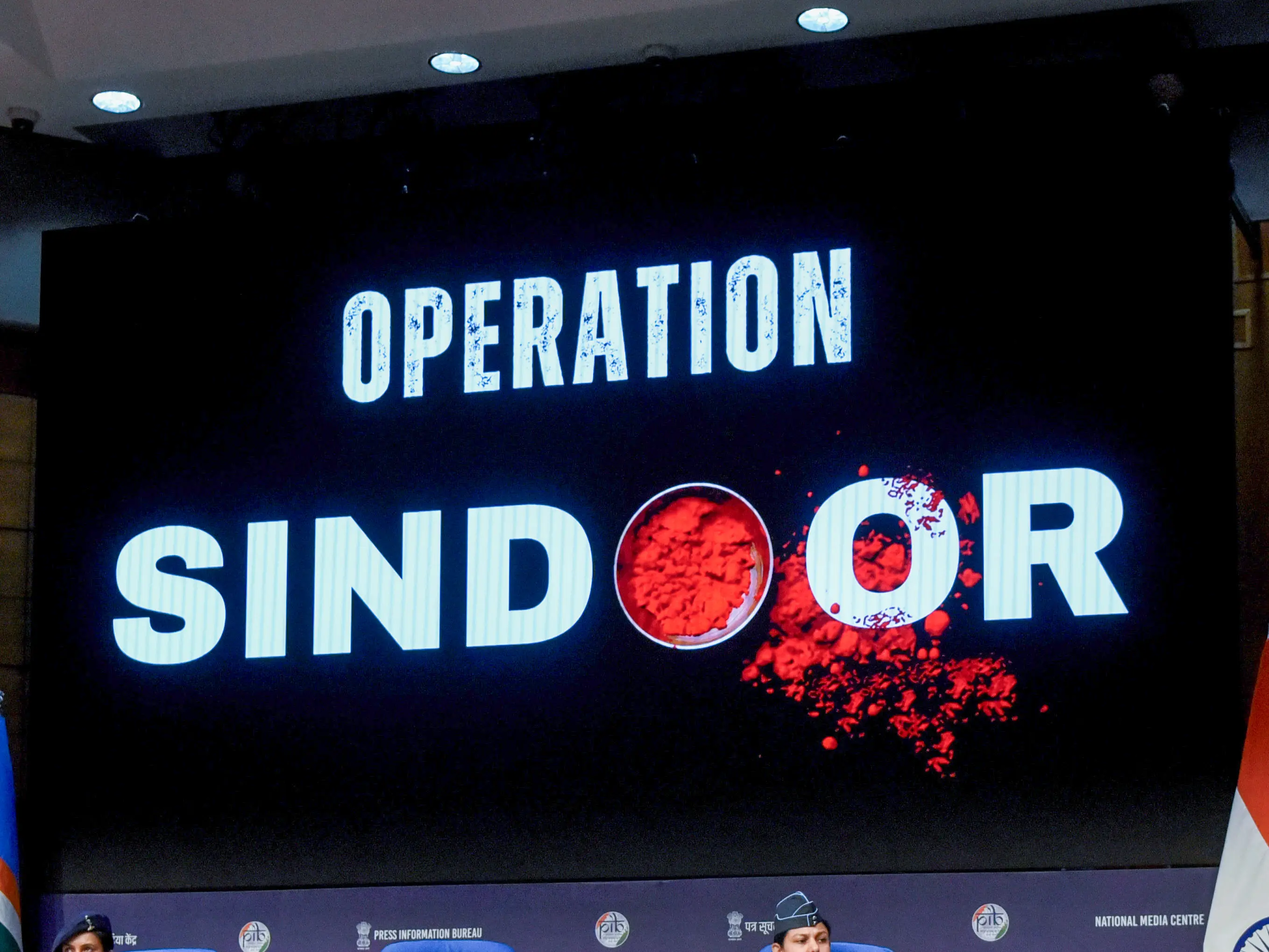)
Operation Sindoor’s hidden naval dimension | MoD reveals Indian Navy Special Forces joined May 7 strikes
)
Bessent meets China’s He Lifeng to prepare for Trump-Xi summit
)
Trump defends AI amid growing alarm, announces new 'AI force' and promises an 'AI czar'
)
S Jaishankar, former Army chief among high-profile names issued Delhi SIR notices
)
Iran sets 7 conditions to end war with US: What are Tehran’s demands?
)
Trump announces ‘AI Force’ as debate grows over AI risks and regulation
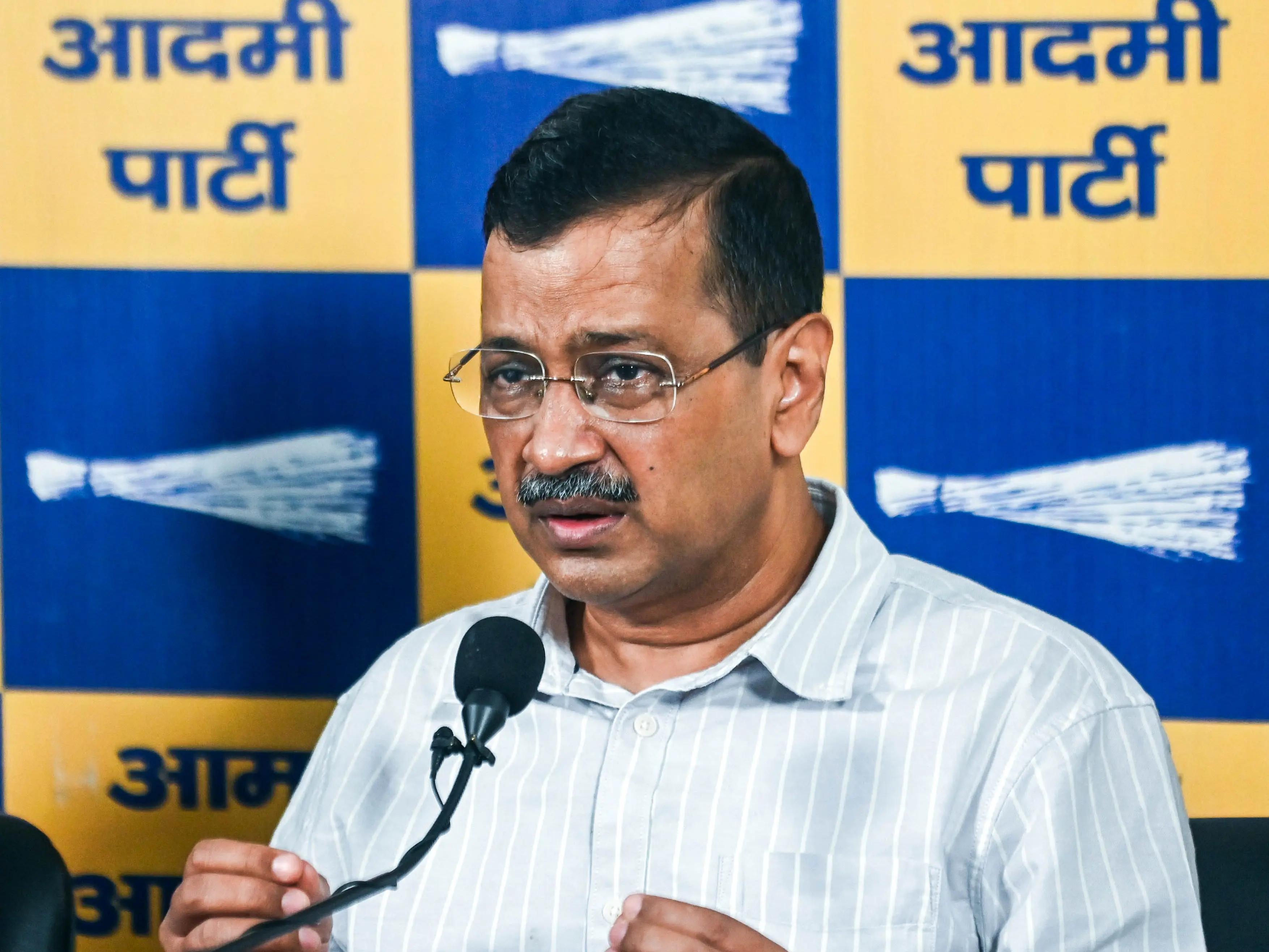)
Arvind Kejriwal, family members, Delhi CM Rekha Gupta get SIR notices
)
AI actress Tilly Norwood glitches mid-interview, switches from English to Chinese | Watch
)
Saudi vs Houthis: Houthis claim missiles & drones used in attack on key Saudi sites
)
Ed Sheeran addresses Macklemore's removal, Gaza conflict during Philadelphia concert: 'I cannot hide how I feel'
)
Saudi Arabia exits China-led mBridge digital currency platform amid Saudi-Houthi conflict
)
'Lot of things to learn from experienced players': Jayasuriya backs Rohit, Virat for 2027 ODI World Cup
)
Chancellor Friedrich Merz vows to stay on as exit polls signal major poll setback
)
North Korea's nuclear tests triggered 1,399 earthquakes: Earth is still shaking | Gravitas
)
Several petrol pumps, other businesses to refuse UPI payments above Rs 2,000 from Oct 16: Is it legal?
)
Trump wants to rename ‘Artificial Intelligence’, gives 3 options: Which one would you pick?
&im=FitAndFill=(700,400))
New OTT releases this week (September 21-27, 2026): Shaque: Trust No One, Hunkkaar, Don’t Be Shy- 5 new titles coming to Netflix, Prime Video and more
)
AUS vs ZIM, 3rd ODI: Ellis stars as Australia edge Zimbabwe by one wicket in last-over thriller
)
West Indies Squad for India Series: Hetmyer included for T20Is, Holder rested
)
China now makes advanced memory chips without the machines it was banned from buying
)
Trump in ‘deciding mode’ on Iran, says ‘very big things’ going to happen soon
)
Harry Brook targets long reign at top of T20I rankings after Sri Lanka sweep
)
Microsoft executive called AI training the ‘largest theft of labour in human history’
The Income Tax department asked the user to write an email to cmcpc_support@insight.gov.in with PAN and phone number. It said he can also contact the support team at 1800-103-4215.
"Please try again after clearing the browser cache or using a different browser. If you still face any issue, please share your details (along with PAN, your mobile number, and a screenshot of the error) at orm@cpc.incometax.gov.in. Our team will contact you," it added.
What can one do to remedy website problems?
Here's what the Income Tax department said:
1. Microsoft Edge (version 88 or above), Google Chrome (88+), Mozilla Firefox (86+), or Opera (66+).
2. Use the latest version of Windows, like 7 or later, Linux, or Mac OS.
3. Clear your browser cookies and site data.
4. Use a high-speed, low-latency Ethernet wired connection if possible.