

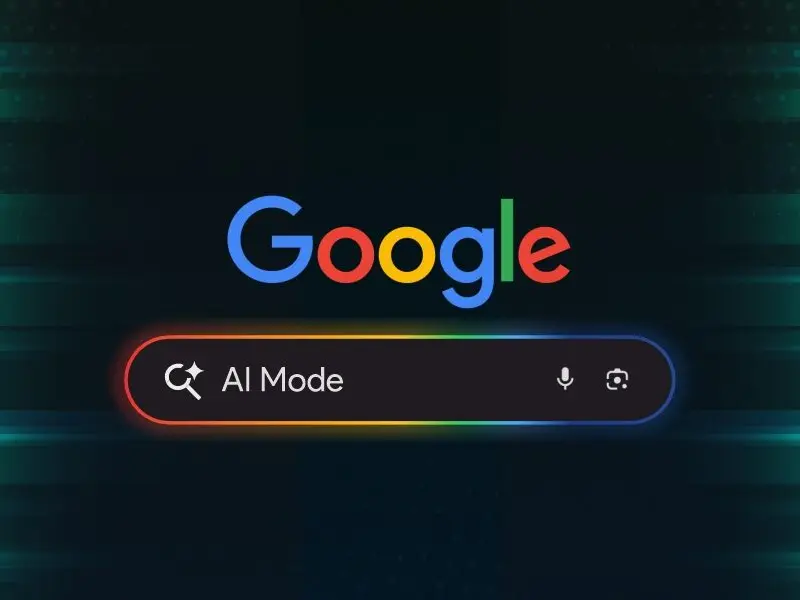
&imwidth=800&imheight=600&format=webp&quality=medium "Google AI mode now helps students plan, read, and ask smarter questions: Here’s what’s new in Google AI mode")
Google adds PDF, video and planning features to AI Mode in Search
Google is rolling out new updates to its AI Mode in Search, The new features aim to help students, teachers, and everyday users get more out of their searches by combining AI with useful tools like PDF reading, real-time video input, and a new planning tool called Canvas.
The new AI Mode features were announced on Google's official blog and it is now being gradually introduced to desktop and mobile users, especially those enrolled in the Search Labs programme.
Ask questions using images and PDFs
One of the key updates is the ability to ask questions about images and PDFs. Already available in the Google app for mobile, this feature is now coming to desktop browsers. Users will be able to upload PDF files such as lecture slides or study materials - and ask follow-up questions.
AI Mode will read the document and cross-check information from across the web to give detailed answers. Support for more file types, including Google Drive files, is expected soon.
Make study plans with Canvas
Google has also introduced Canvas, a tool that helps users organise information and build plans across multiple sessions. For example, if a student needs to prepare for an exam, they can ask AI Mode to create a study guide. Clicking “Create Canvas” will open a side panel that updates in real-time based on new inputs and files. Canvas aims to make it easier to manage tasks like revision, project planning or even holiday prep. Users can add personal context using uploads such as syllabi or class notes.
Real-time answers with Search Live
Trending Stories
&imwidth=180&imheight=135&format=webp&quality=medium)
'Just coincidence': Police mistakes protester as AISA chief Neha Bora, arrests her from site
&imwidth=180&imheight=135&format=webp&quality=medium)
Microsoft's Nadella says treat every AI model as already hacked, and build an 'emergency brake'
&imwidth=180&imheight=135&format=webp&quality=medium)
Nathan Lyon completes 1,000 Test runs at No. 10 to script rare cricket feat
&imwidth=180&imheight=135&format=webp&quality=medium)
iPhone Duo price index: Tracking Apple’s latest pricing trends
&imwidth=180&imheight=135&format=webp&quality=medium)
Maharashtra appoints FDA commissioner Tukaram Mundhe as secretary of committee for MPSC overhaul amid stir
&imwidth=180&imheight=135&format=webp&quality=medium)
IND vs WI, 3rd T20I: Abhishek Sharma smashes 18-ball fifty, sets record for fastest to 2,000 T20I runs
&imwidth=180&imheight=135&format=webp&quality=medium)
Portugal Federation confirms Cristiano Ronaldo’s return to national team despite suspension
&im=FitAndFill=(700,400)&imwidth=180&imheight=135&format=webp&quality=medium)
Is sending robots to Mars easier than sending humans?
&imwidth=180&imheight=135&format=webp&quality=medium)
'Say no to Muse': Meta has no control over its own moderation AI while it forces a security nightmare on everyone
&imwidth=180&imheight=135&format=webp&quality=medium)
Delhi protest: CJI Surya Kant declines to meet India Bloc leaders
&imwidth=180&imheight=135&format=webp&quality=medium)
UK school ditches technology, shifts from screen to pen and paper for learning
&imwidth=180&imheight=135&format=webp&quality=medium)
China imposes first-ever sanctions on ministers from Taiwan allies: What this means
&imwidth=180&imheight=135&format=webp&quality=medium)
Sidhu Moose Wala’s younger brother wins hearts by recreating late singer’s signature move at Toronto Hologram Show
&imwidth=180&imheight=135&format=webp&quality=medium)
A watchdog rated 'ChatGPT for Teens' an unacceptable risk and says keep under-18s off it
&imwidth=180&imheight=135&format=webp&quality=medium)
Aamir Khan's niece, actress Zayn Marie shares injury pictures after being detained with Imran Khan at Mumbai protest
&imwidth=180&imheight=135&format=webp&quality=medium)
Anthropic's AI invented a murder witness and sent the fake tip to Philadelphia police
&imwidth=180&imheight=135&format=webp&quality=medium)
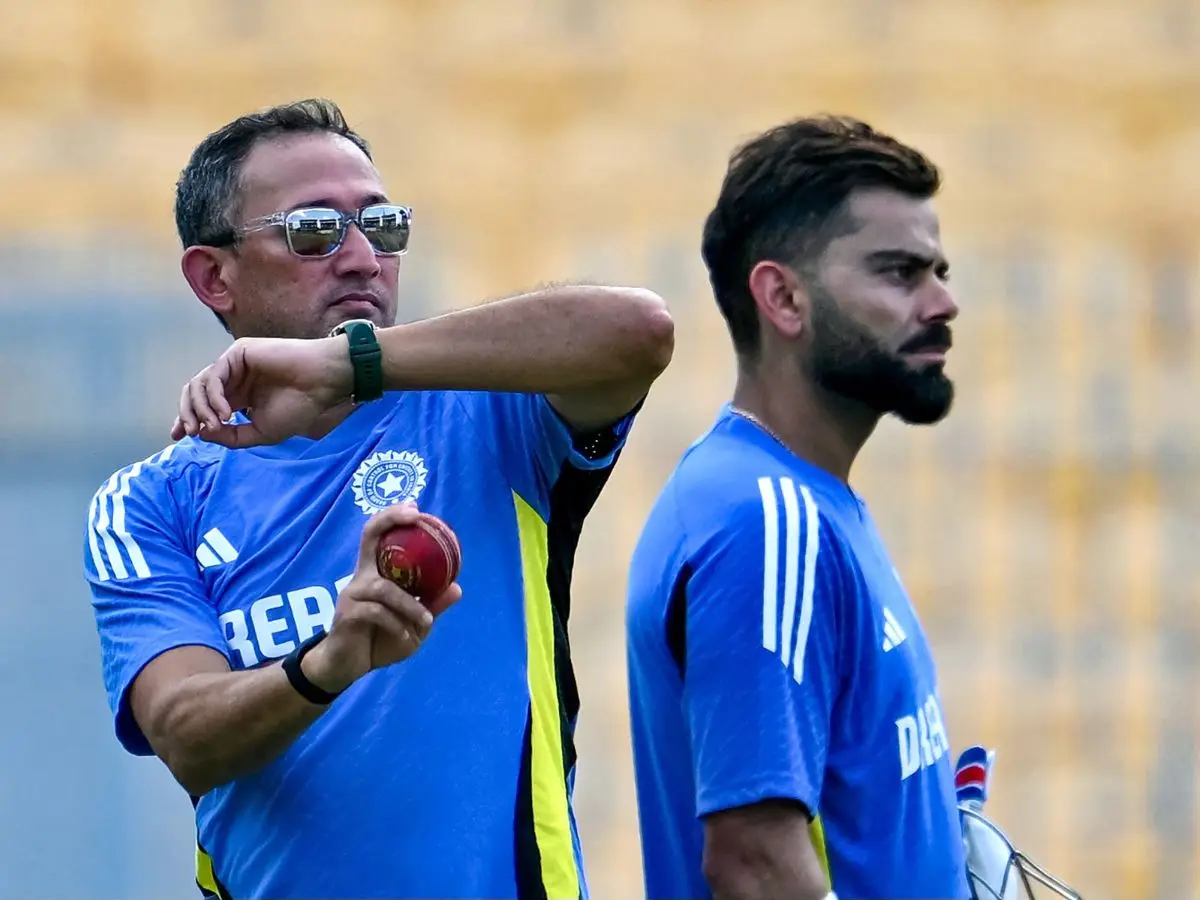
Wasim Jaffer blames Ajit Agarkar-led selection panel for Virat Kohli’s Test retirement
&imwidth=180&imheight=135&format=webp&quality=medium)
One Indian killed in Riyadh airport attack; 11 others injured : MEA
&imwidth=180&imheight=135&format=webp&quality=medium)
Meta's Muse AI could be a security nightmare for India's billion-plus users
&im=FitAndFill=(700,400)&imwidth=180&imheight=135&format=webp&quality=medium)
New OTT releases this week (October 12-18, 2026): Sacrifice, Koffee with Karan S9, Roadies Rebirth- 6 titles coming on Netflix, JioHotstar and more
&imwidth=180&imheight=135&format=webp&quality=medium)
Are Gold and Silver poised for a rebound soon?
&imwidth=180&imheight=135&format=webp&quality=medium)
CJI Surya Kant declines INDIA bloc leaders’ request for meeting ahead of march to SC, asks them to file petition
&imwidth=180&imheight=135&format=webp&quality=medium)
1,500 drones illuminate Mumbai sky as Cordelia Cruises unveils second ship, Cordelia Sky
&im=FitAndFill=(700,400)&imwidth=180&imheight=135&format=webp&quality=medium)
Navratri 2026: 9 days, 9 forms of Goddess Durga and 9 colours- Check the complete list
&imwidth=180&imheight=135&format=webp&quality=medium)
Iran: US accepted some conditions, Clarity needed on others
&imwidth=180&imheight=135&format=webp&quality=medium)
Delhi wakes up to heavy rain, thunderstorms; yellow alert in place; temperature drops
&imwidth=180&imheight=135&format=webp&quality=medium)
Other Mommy leads North American box Office as Verity, Resident Evil round out top four
&imwidth=180&imheight=135&format=webp&quality=medium)
Imran Khan released hours after Mumbai Police detain him during CJP protest
&imwidth=180&imheight=135&format=webp&quality=medium)
Houthis claim Riyadh airport attacks, Aramco strikes; issue fresh warning to airlines, travellers and workers
&imwidth=180&imheight=135&format=webp&quality=medium)
'Ouch!!! That must hurt': Kangana Ranaut hails Kamal Haasan's sharp reply to Elon Musk over Starlink row
&imwidth=180&imheight=135&format=webp&quality=medium)
Top AI models flunked a test of inventing new AI research, so much for self-improving AI
&imwidth=180&imheight=135&format=webp&quality=medium)
McSweeney reveals how studying Virat Kohli’s YouTube clips helped Australia A conquer India
&imwidth=180&imheight=135&format=webp&quality=medium)
Nana Patekar's cause of death confirmed; here's what his postmortem report says
Another major addition is Search Live with video input, which uses Google Lens to provide answers in real-time. This feature allows users to point their camera at something like a math problem or science experiment and ask a question. The AI will analyse the live feed and reply with relevant explanations, including links for deeper reading. This feature is part of Google's broader Project Astra initiative and is now being tested in the US.
Learn more while browsing
AI Mode is also being connected to Google Lens in Chrome. Soon, when users click the Chrome address bar, they’ll see an option to “Ask Google about this page.” For example, if a complex diagram appears in a PDF or website, users can ask for more explanation and receive a summary in the side panel, along with follow-up support using AI Mode.
Designed for learning and discovery
Google’s updates aim to make AI more accessible and helpful, especially for students. By blending traditional search with visuals, file uploads and real-time input, the tech giant hopes to improve how people explore and understand information online.
These tools are being gradually rolled out, with more features expected in the coming months.
