

&imwidth=800&imheight=600&format=webp&quality=medium "Google AI Mode update: Now browse websites side-by-side without leaving search")
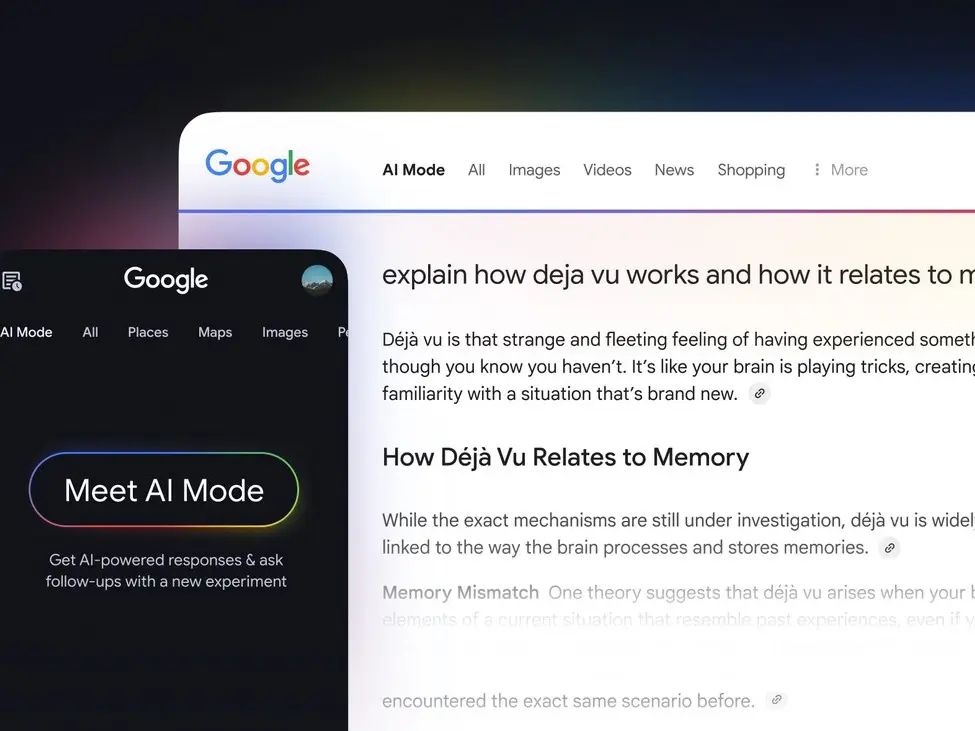
Google has introduced a new update to its AI-powered search experience, allowing users to explore websites side-by-side with its AI Mode. The feature is currently rolling out on Chrome desktop in the United States, according to the company’s official blog post.
The update aims to make browsing simpler by reducing the need to switch between multiple tabs while searching and comparing information.
What is Google AI Mode and what has changed?
Google’s AI Mode is a conversational search feature that allows users to ask questions and receive detailed answers, similar to a chatbot. With the latest update, when a user clicks on a link, the webpage now opens next to AI Mode instead of replacing it.
This means users can:
View a website and AI responses at the same time
Trending Stories
&imwidth=180&imheight=135&format=webp&quality=medium)
Pakistan to head IMF, World Bank boards after 74 years amid persistent economic crisis
&imwidth=180&imheight=135&format=webp&quality=medium)
Russian woman and Bihar boy's love story goes viral after she reaches India to marry him
&imwidth=180&imheight=135&format=webp&quality=medium)
'We are not sitting in ivory towers, we are aware': SC issues notice to Rahul Gandhi, Akhilesh Yadav
&imwidth=180&imheight=135&format=webp&quality=medium)
Group's fibre-optic drones pose new challenge for Israel
&imwidth=180&imheight=135&format=webp&quality=medium)
CJP's Tiranga march: People hit streets of Delhi again, reiterate call for Gyanesh Kumar's resignation
&imwidth=180&imheight=135&format=webp&quality=medium)
US midterms 2026: Ken Paxton may have Elon Musk to thank if he wins the Texas Senate race. Here's why
&imwidth=180&imheight=135&format=webp&quality=medium)
Ankita Bhandari murder case: Parents meet CBI, seek impartial investigation
&imwidth=180&imheight=135&format=webp&quality=medium)
US budget deficit nears $2 trn as tariff refunds rise; debt crosses $40 trn
&imwidth=180&imheight=135&format=webp&quality=medium)
Gravitas | Iran threatens to hit key bridges in 7 countries if US resumes strikes
&imwidth=180&imheight=135&format=webp&quality=medium)
Ukraine drone strike disrupts 22 Russian airports, over 200 flights

Not Khan but Pal: Why did Imran Khan choose his mother's surname over his father's? Family tree explained
&imwidth=180&imheight=135&format=webp&quality=medium)
A secret code, a midnight escape and 300 deaths: The Russian officer who turned on Putin
&imwidth=180&imheight=135&format=webp&quality=medium)
Oregon school shooting: 16-year-old shooter identified, used shotgun bought by mother; Trump praises bystander who shot gunman as 'great hero'
&imwidth=180&imheight=135&format=webp&quality=medium)
After ODIs, T20Is and Tests, cricket set to introduce a new format: All you need to know
&imwidth=180&imheight=135&format=webp&quality=medium)
China tells Israel to stop West Bank settlements, calls Palestine issue ‘historic injustice’
&imwidth=180&imheight=135&format=webp&quality=medium)
‘My president, I mean my husband’: Trump's new press secretary Katie Zacharia's first briefing goes off the rails in 14 minutes
&imwidth=180&imheight=135&format=webp&quality=medium)
China responds to Trump's Press Secretary Katie Zacharia after toilet remark: 'Visit China more often'
&im=FitAndFill=(700,400)&imwidth=180&imheight=135&format=webp&quality=medium)
Who left the White House podium the fastest? Press secretaries with the shortest stints
&imwidth=180&imheight=135&format=webp&quality=medium)
Vijay Deverakonda and Rashmika Mandanna's Ranabaali X Review: Netizens call it history-rich but overstuffed
&imwidth=180&imheight=135&format=webp&quality=medium)
Israel examines Russia's Shahed-type drones sent by Ukraine to combat Iran | Gravitas
&imwidth=180&imheight=135&format=webp&quality=medium)
US midterms 2026: Alexandria Ocasio-Cortez donates $1 million to Abdul El-Sayed’s as Michigan race heats up
&imwidth=180&imheight=135&format=webp&quality=medium)
Here’s who is eyeing the White House press secretary role after Katie Zacharia’s exit
&imwidth=180&imheight=135&format=webp&quality=medium)
BCCI names India’s ODI squad for New Zealand tour, Gill and Iyer to share captaincy
&imwidth=180&imheight=135&format=webp&quality=medium)
Abhishek Sharma sets all-time record for most T20I sixes in a year
&imwidth=180&imheight=135&format=webp&quality=medium)
'I don’t trust anybody', says Trump when asked about Netanyahu
&imwidth=180&imheight=135&format=webp&quality=medium)
US midterms 2026: Dan Sullivan’s ‘gotcha’ attempt backfires against Mary Peltola in fiery Alaska Senate debate
&im=FitAndFill=(700,400)&imwidth=180&imheight=135&format=webp&quality=medium)
Inside Tesla's Roadster: 10 features of Elon Musk's 'flying car' that push the limits of electric vehicles | In Pics
&imwidth=180&imheight=135&format=webp&quality=medium)
India’s naval priorities: Ex-Navy Chief calls for third aircraft carrier, more warships and submarines
&im=FitAndFill=(700,400)&imwidth=180&imheight=135&format=webp&quality=medium)
New Friday OTT releases (October 16, 2026): DC, Sacrifice, Aasha- 6 new movies and TV shows coming on Netflix, Zee 5, Prime Video and more
&imwidth=180&imheight=135&format=webp&quality=medium)
India's Gen Z rebellion: Can the 'Lehra Do Tiranga' movement reshape the political order? | The Verdict

US ends automatic work permit extensions; Indian workers lose 540-day safety net: What it means
&im=FitAndFill=(700,400)&imwidth=180&imheight=135&format=webp&quality=medium)
Salman Khan-Karisma Kapoor reunion at Koffee with Karan season 9 sparks nostalgia: A look at their most loved films
&imwidth=180&imheight=135&format=webp&quality=medium)
Delhi police places CJP's Abhijeet Dipke under preventive arrest over breach of peace, AISA Chief Neha Bora released
&imwidth=180&imheight=135&format=webp&quality=medium)
Did Trump just fire Katie Zacharia as his new press secretary? Here’s what he said
&imwidth=180&imheight=135&format=webp&quality=medium)
Iran rejects Saudi allegations of backing Houthi attacks, renews mediation offer
Ask follow-up questions without losing context
Compare information across sources more easily
According to Google, early testers found this helpful for tasks like reading long articles or watching videos while continuing to ask questions.
How the side-by-side browsing works
The new feature is designed to keep users focused on their task.
For example, if someone is searching for a coffee maker:
They can ask AI Mode for recommendations
Click on a product link
View the product page alongside AI responses
Ask questions like “Is this easy to clean?”
The AI then uses information from the webpage and broader web sources to provide answers.
This reduces the need to move between tabs repeatedly, which is a common issue in traditional browsing.
New feature: Search across open Chrome tabs
Google has also added another feature that allows users to include open tabs in their search.
Users can:
Tap the “plus” icon in the search box
Select open tabs, files, or images
Add them into the AI search context
This helps in tasks such as:
Researching multiple topics at once
Studying with notes and lecture slides
Comparing different websites quickly
For instance, a user researching hiking trails can combine several open tabs and ask for similar locations in another region.
Why this update matters
This update reflects a larger shift in how people use search engines. Instead of just showing links, AI-powered search is now becoming more interactive and context-aware.
Industry analysts note that companies are trying to:
Reduce friction in browsing
Keep users engaged within one interface
Combine search and assistance in real time
By integrating browsing and AI responses, Google is moving closer to a more unified search experience.
Availability and what comes next
The new AI Mode features are currently available in the United States. Google has said it plans to expand access to more regions in the coming months, though no exact timeline has been shared. As AI search continues to evolve, features like side-by-side browsing and tab integration may become standard tools for users.
