LPG gas cylinder e-KYC: Aadhaar biometric verification now mandatory. Here’s how to verify online

The government has clarified that consumers who have already completed KYC will not be affected.
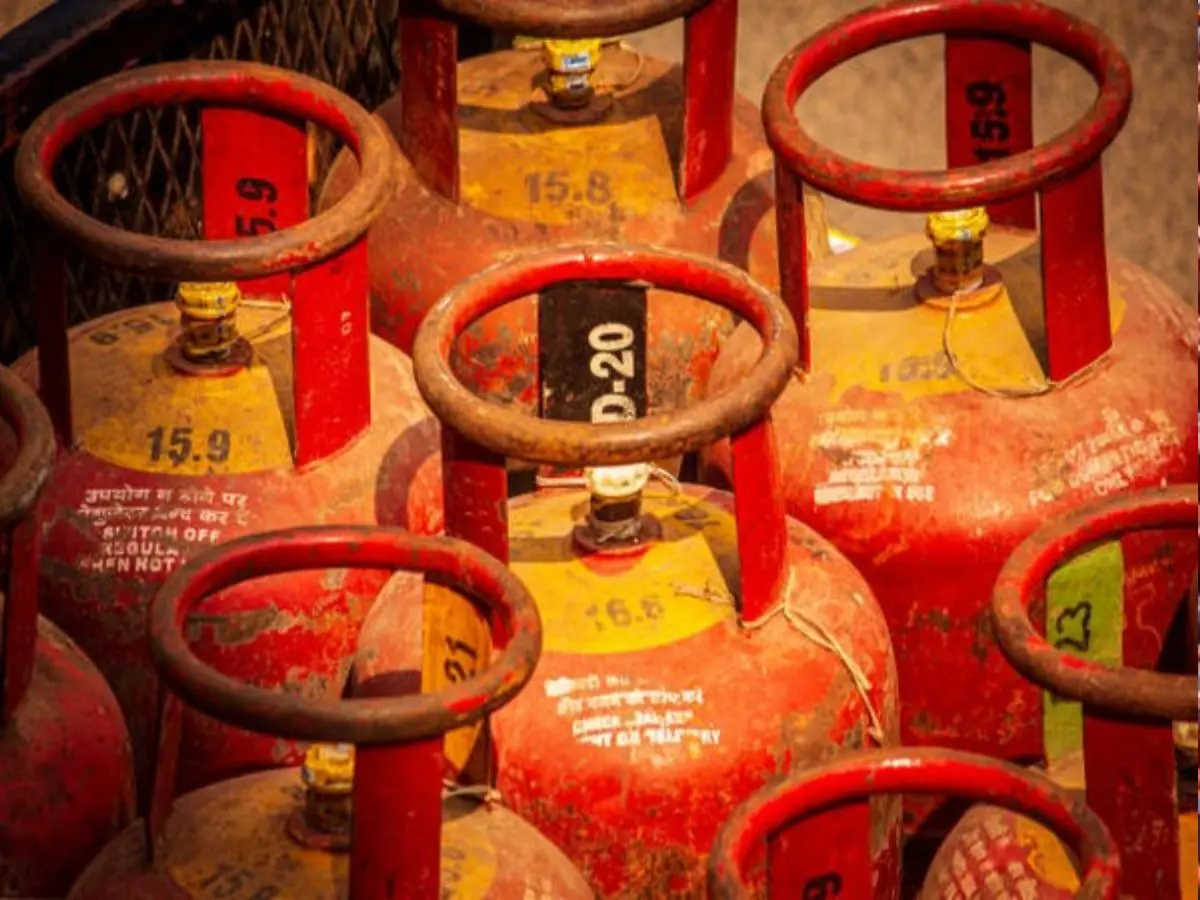
Biometric e-KYC Made Mandatory
The Ministry of Petroleum and Natural Gas has made biometric Aadhaar authentication (e-KYC) mandatory for LPG consumers who have not yet completed verification. This move, aimed at improving subsidy targeting and reducing fraudulent usage, applies primarily to unauthenticated customers. The government has clarified that consumers who have already completed KYC will not be affected.
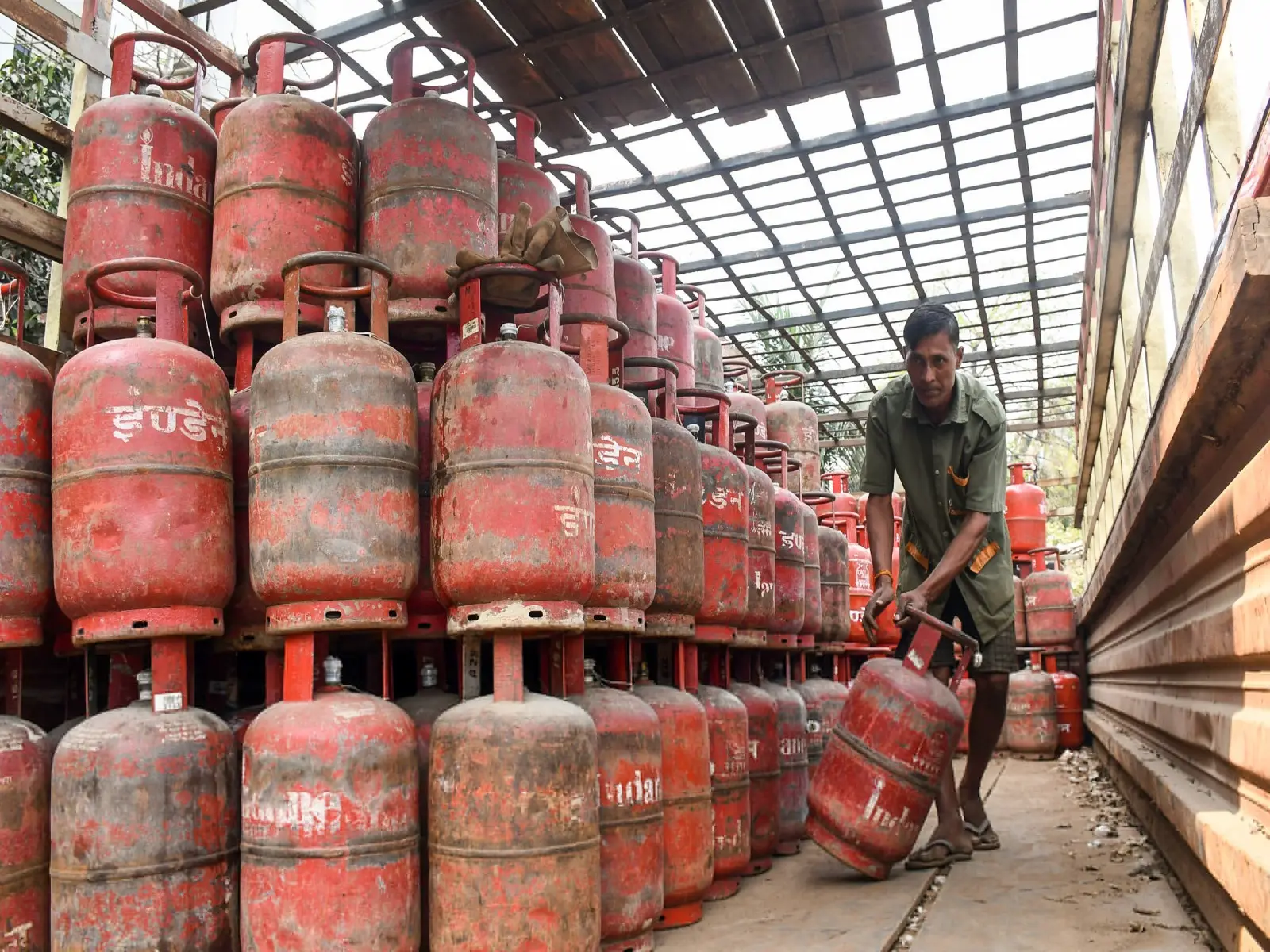
The reason
This move comes amidst India’s LPG supply strain after the ongoing conflict in West Asia, where tensions involving the United States, Israel and Iran have disrupted tanker traffic through the Strait of Hormuz, a key route for LPG imports. The disruption prompted government efforts to prioritise domestic supply and streamline distribution.
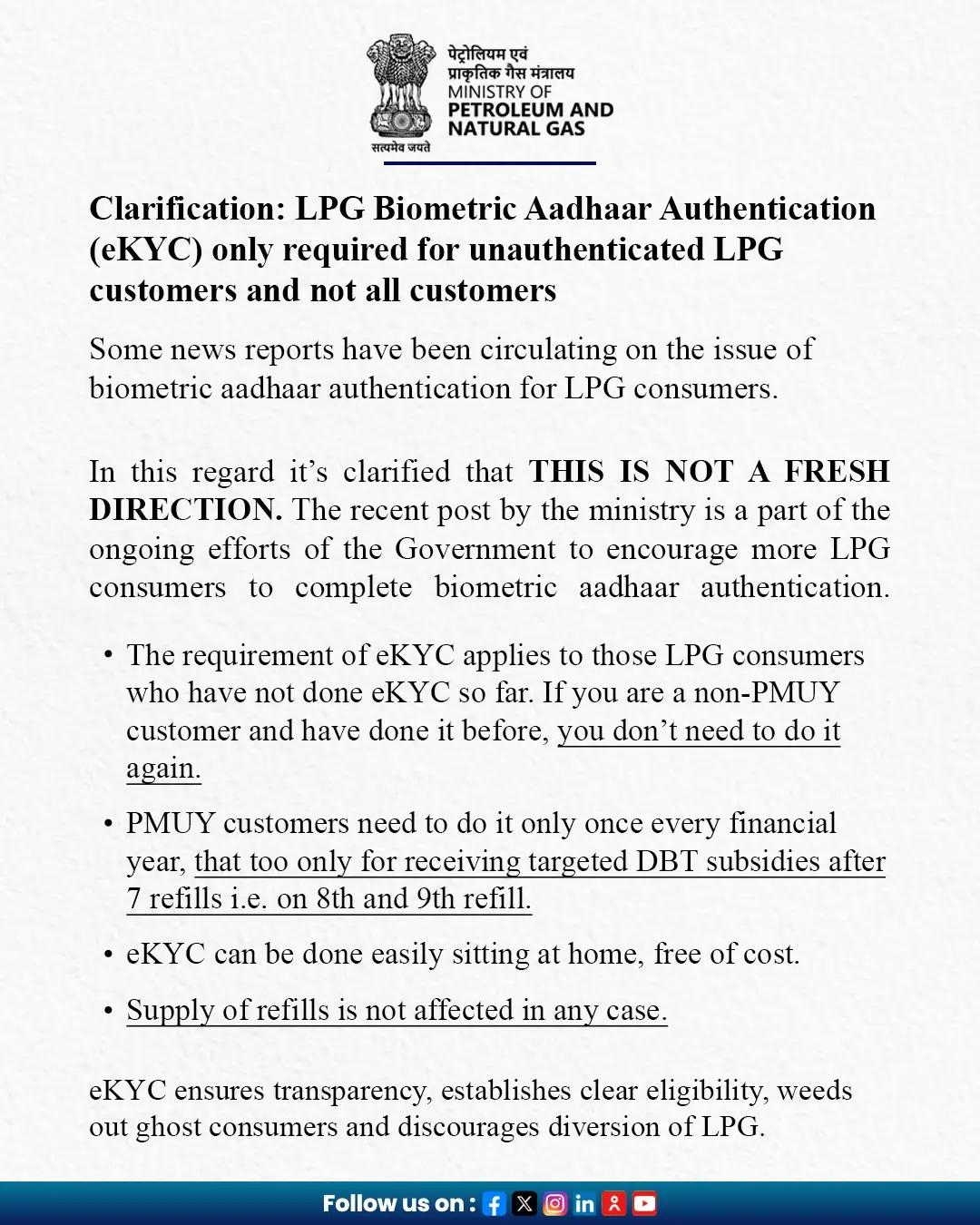
Who must do e‑KYC
The government clarified that only those customers with pending e‑KYC must complete the process; users who already have authenticated accounts are not required to repeat it. Failure to complete e‑KYC may result in disruption of cylinder refills and suspension of subsidies until verification is done.
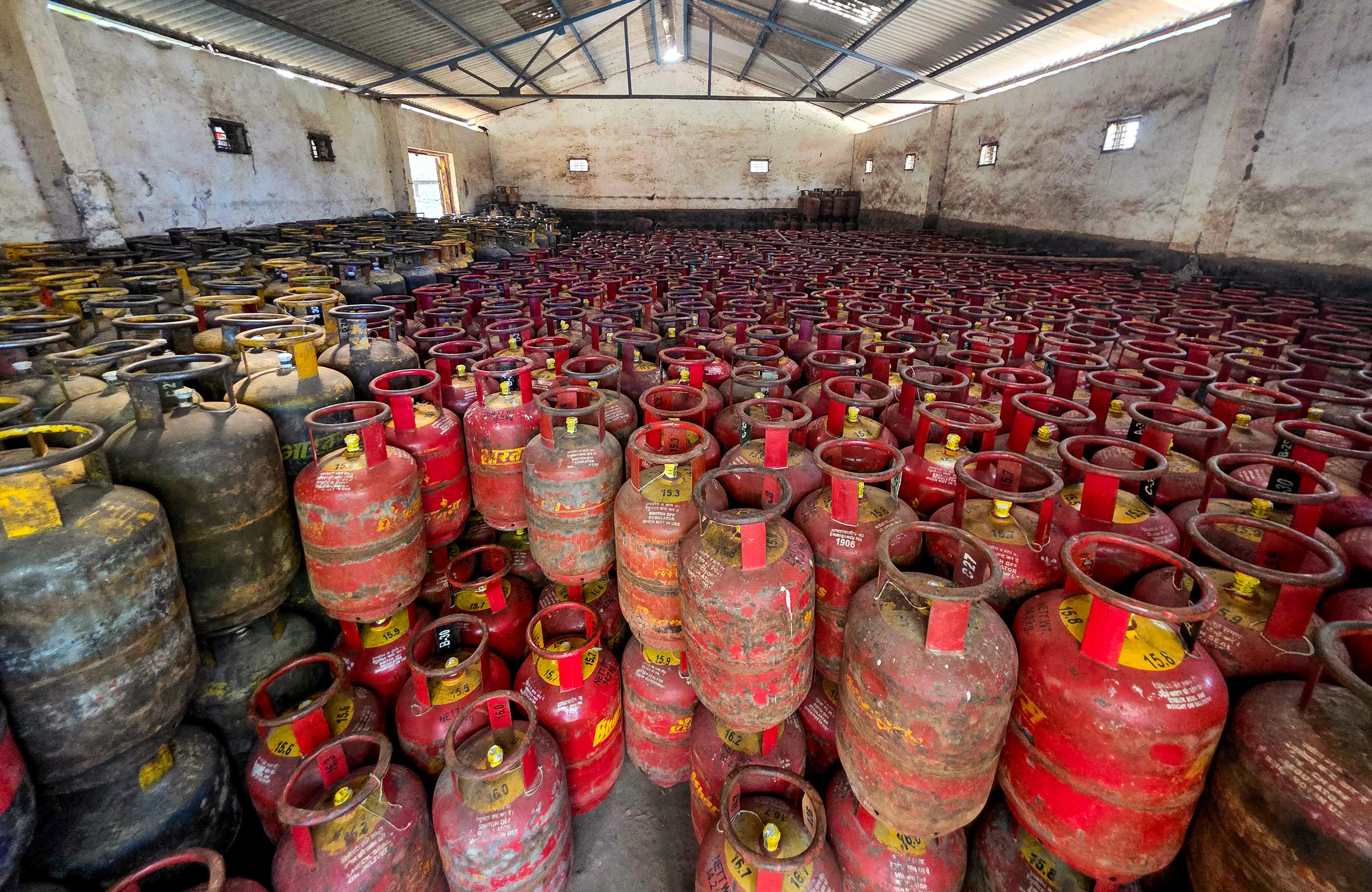
What the Ministry of Petroleum and Natural Gas said-
Non-PMUY LPG customers who have already completed e-KYC are not required to do it again. PMUY beneficiaries, however, must complete biometric verification once every financial year, and only after receiving their targeted DBT subsidy on the seventh refill, that is, for the eighth or ninth cylinder onward. The e-KYC process can be completed easily from home at no cost.
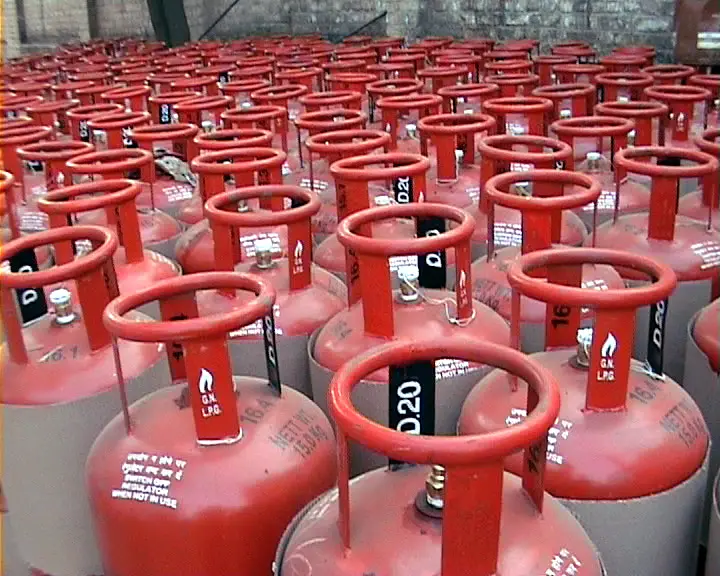
How to complete verification online
Consumers can complete e‑KYC using their smartphone by downloading their Oil Marketing Company’s (OMC) mobile app, such as MyHP, IndianOil One or Bharat Gas, along with the Aadhaar FaceRD app. After signing in with the registered mobile number and entering the Aadhaar number, users must complete biometric face verification to update their LPG account. One can also visit: https://pmuy.gov.in/e-kyc.html
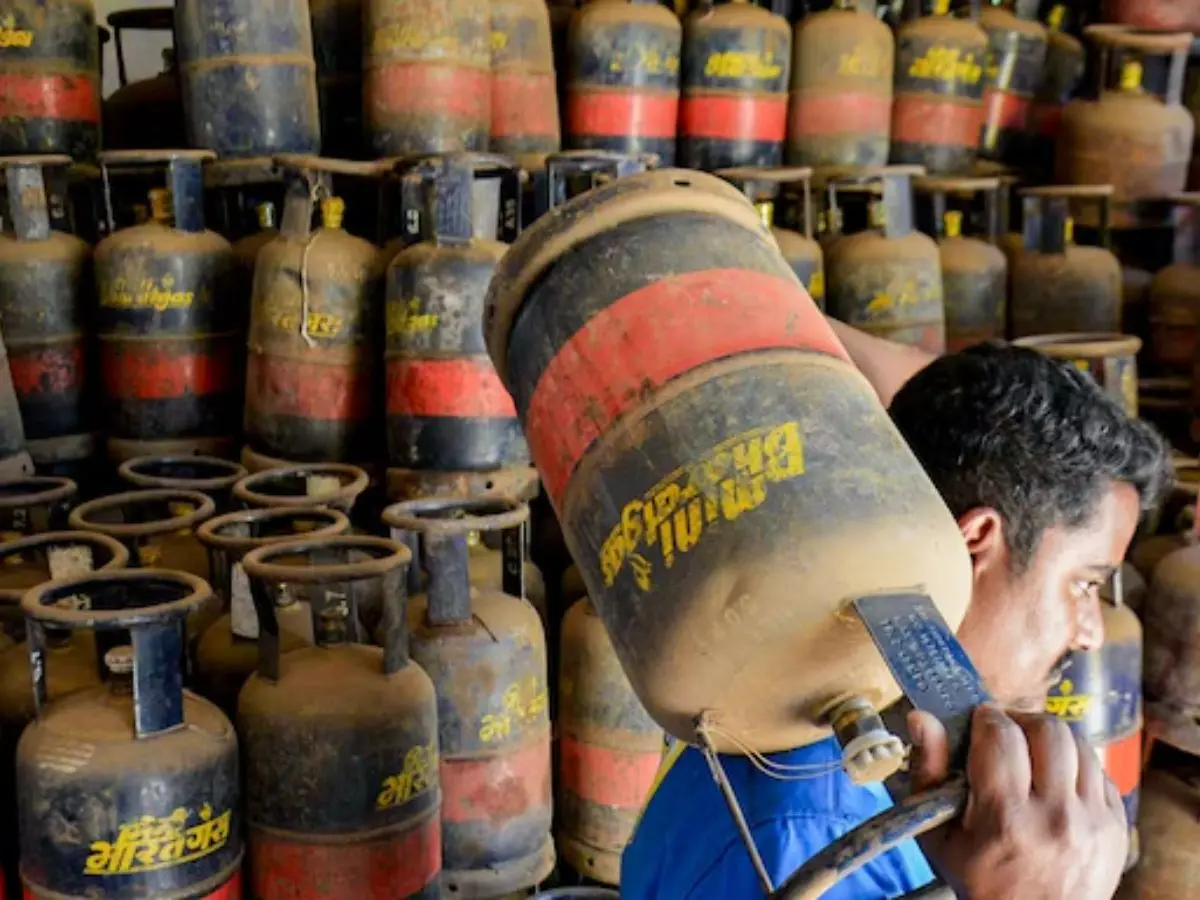
How to Complete Biometric e-KYC for LPG
Step 1: Download your LPG supplier’s mobile application along with the Aadhaar FaceRD app.
Step 2: Sign in or register using the mobile number linked to your LPG account.
Step 3: Select the e-KYC option within the app.
Step 4: Enter your Aadhaar number and provide authorization for verification.
Step 5: Complete face verification using the Aadhaar FaceRD application.
Once successfully verified, you will receive a confirmation, and your LPG account will be automatically updated with the completed e-KYC status.
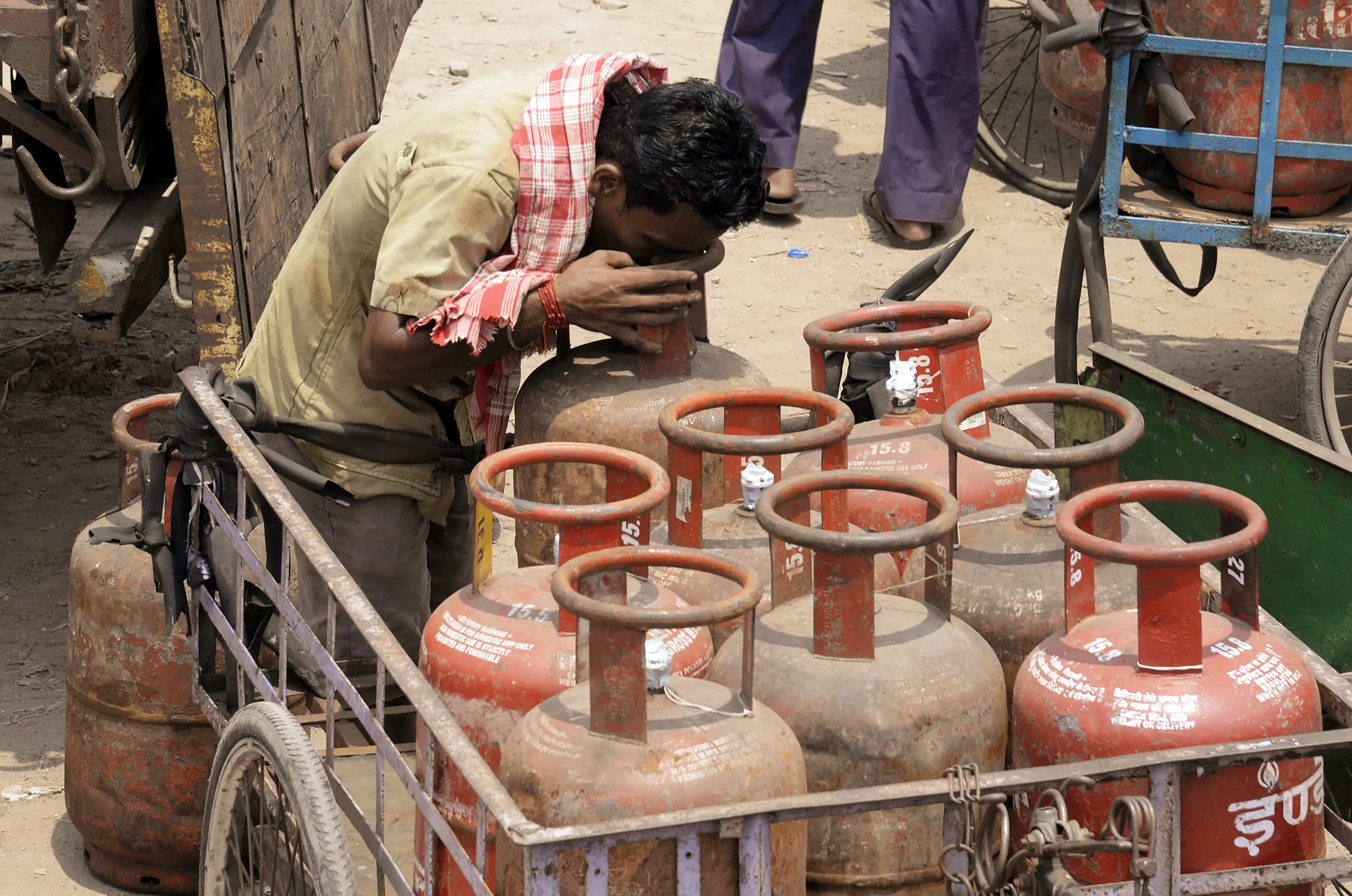
What You Need
- Aadhaar number linked to your LPG account
- Mobile number registered with the LPG connection
- Smartphone with an operational camera
- Reliable internet connection
)
)
)
)
)