How to maximise iPhone 17 battery life with simple tips

The iPhone 17’s powerful battery lasts longer with smart features in iOS 26 like Adaptive Power. Lower screen brightness, use Dark Mode, manage background apps, switch off unused services, and enable Low Power Mode to save energy. Portable chargers keep you powered on the go.
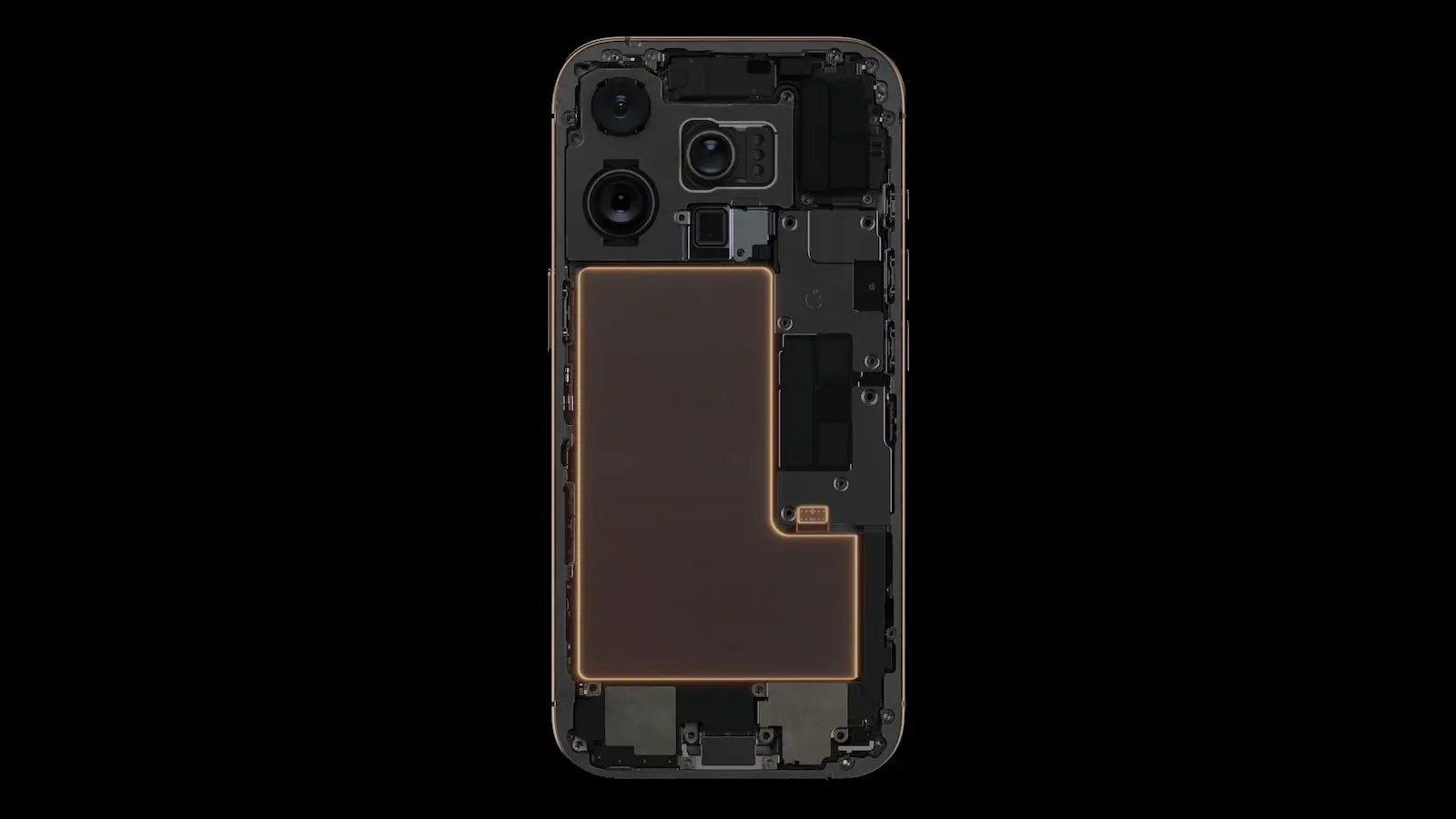
iPhone 17 powerful battery
The iPhone 17 comes with a powerful battery, but smart software and settings help you make the most of it. Apple’s iOS 26 introduces Adaptive Power, which learns your habits and fine-tunes battery use accordingly, based on Apple’s official update notes.
Lowering screen brightness
Lowering screen brightness is an easy way to save battery. Using Dark Mode, particularly on the iPhone 17’s OLED screen, reduces power used by pixels. Reducing the refresh rate from 120Hz to 60Hz in settings also cuts energy consumption during everyday use.
Managing background apps
Managing background apps helps too. Turning off Background App Refresh for apps you don't need constantly updating reduces hidden data use and power drain. You can customise which apps update in Settings under Background Refresh.
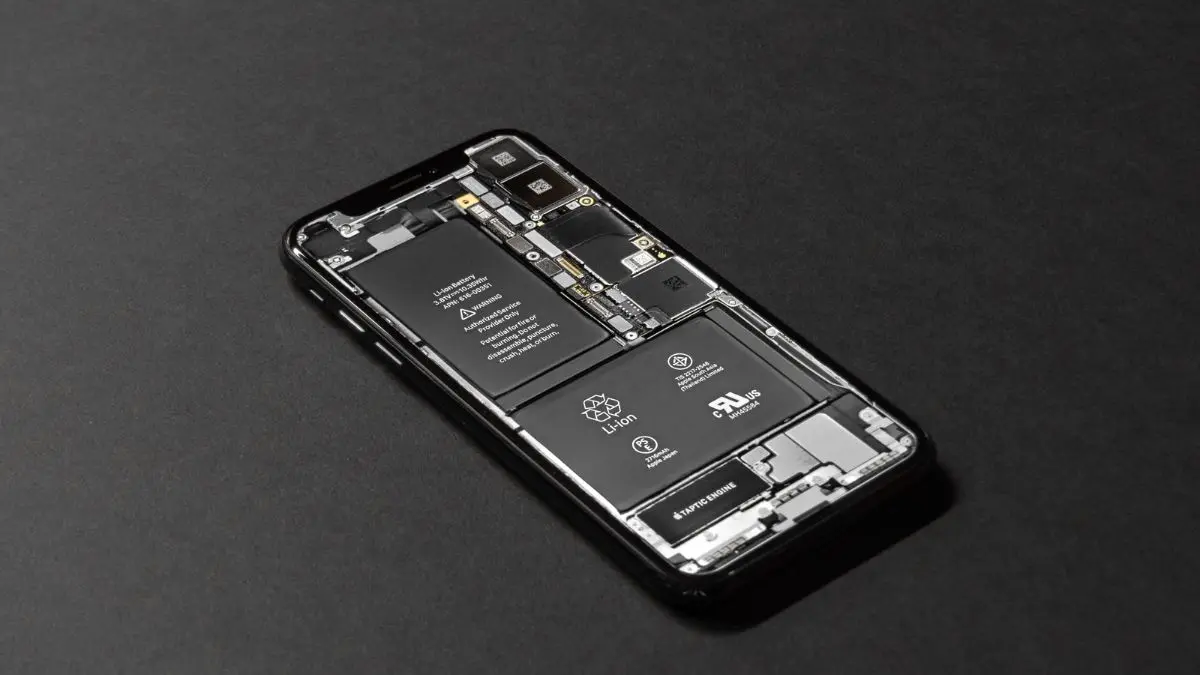
Switch off unnecessary
Switch off unnecessary toggles like Bluetooth and location services when not in use. In weak signal areas, switching from 5G to LTE saves power as your phone uses less energy to stay connected. Using Wi-Fi instead of mobile data also extends battery life.
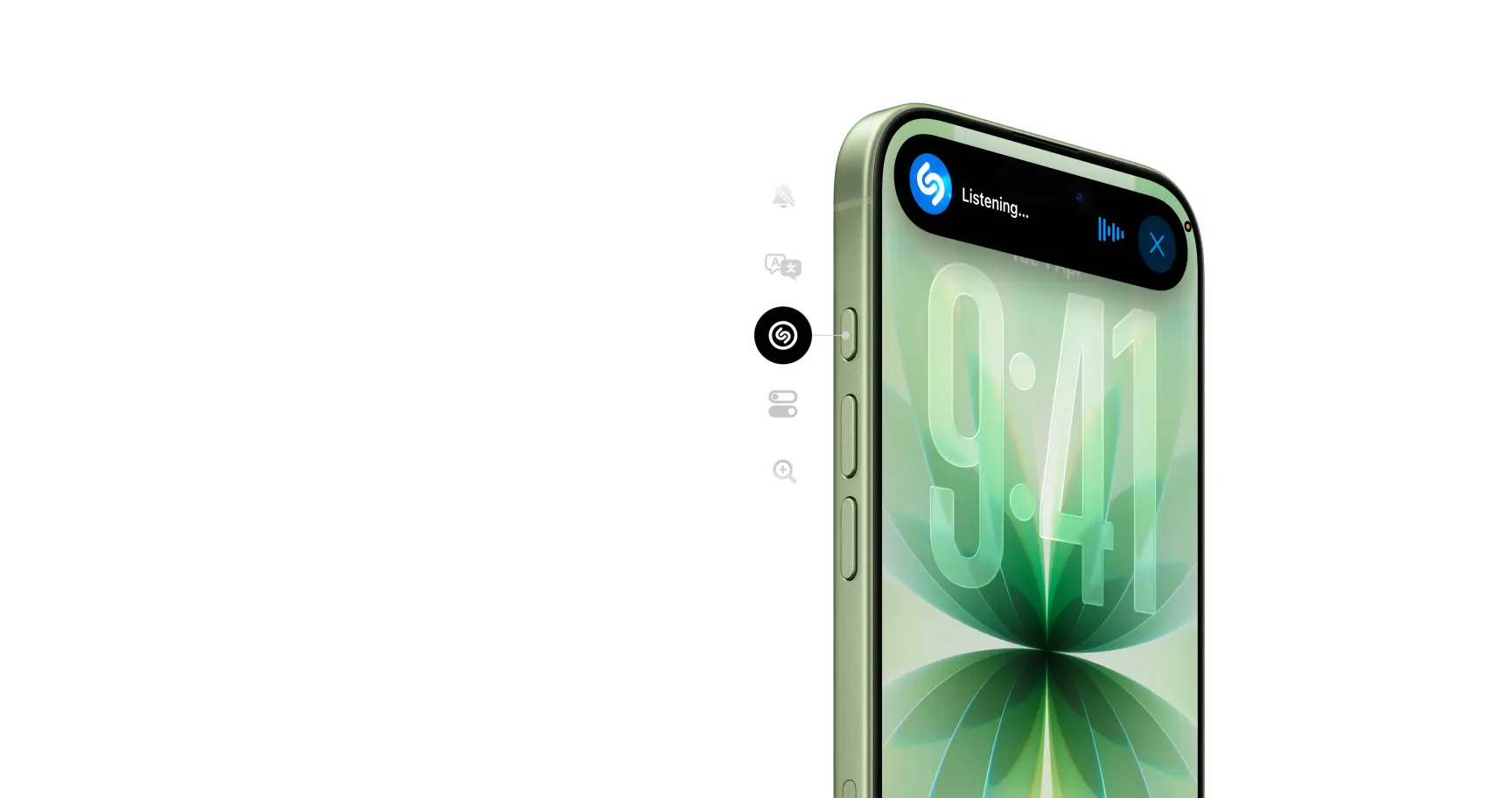
Enable Low Power Mode
Enable Low Power Mode when your battery drops below 20 per cent. This mode slows down processor speed, dims the screen, stops fetch email, and pauses visual effects so you can squeeze more time before needing a charger.
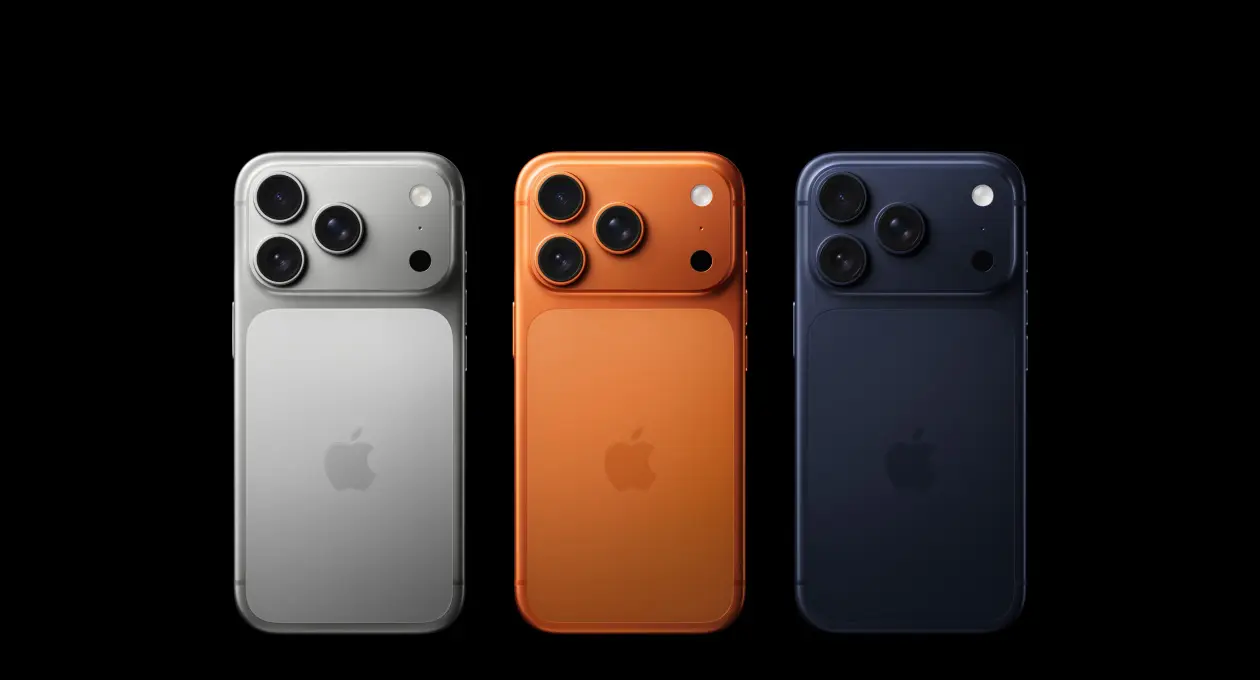
Let your phone settle after software updates
Let your phone settle after software updates. Battery drain often happens in the first few days as the system indexes and optimises apps. If problems persist, check battery health in Settings and consider getting a replacement if performance drops.
Power bank
For times when you must stay powered all day, use a portable charger like a slim power bank. They support fast charging and keep you going during long trips or heavy use without sacrificing convenience.
)
)
)
)
)