Is your smart TV secretly listening? 5 steps to fix privacy issues

Smart TVs look great and feel convenient, but they come with real privacy concerns. Here’s a quick look at five simple steps that help you stay in control of what your TV sees and hears.
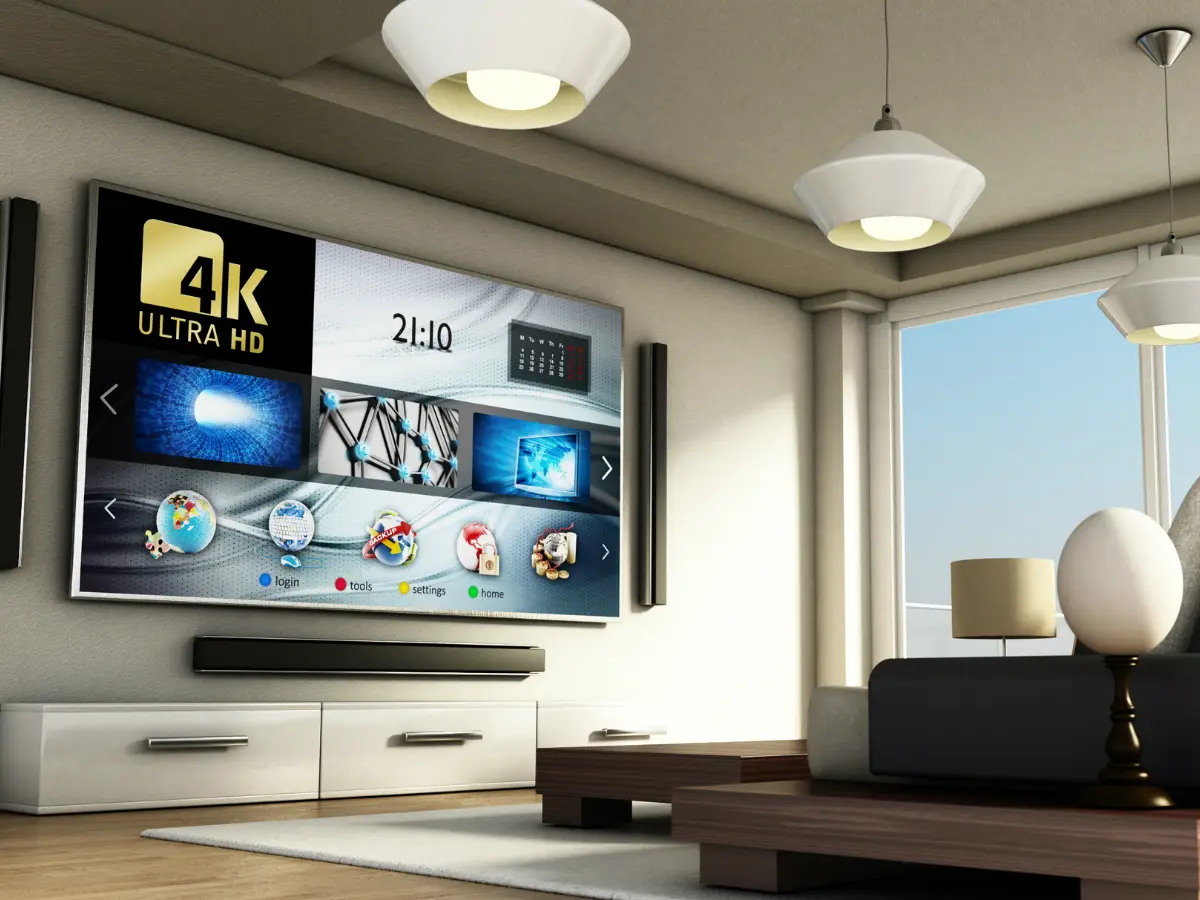
Smart TV
Your smart TV collects more data than you think, sometimes even when it’s off. From tracking what you watch to listening for voice commands, it keeps running in the background. Here’s how to take back control with five easy privacy fixes.
Turn off ACR tracking
Your smart TV quietly watches everything you play through ACR. Open the privacy or system settings and switch it off. This stops the TV from collecting viewing data and sending it to advertisers in the background.

Disable voice assistant and microphone
Many TVs keep their microphones active even when the screen is off. Turn off voice recognition in the settings or use the physical mic switch. This prevents accidental recordings and keeps private conversations from being captured.
Cover or disconnect the camera
A TV camera can give a direct view into your home. Use the built-in shutter or place a small cover on it. If it’s an external webcam, unplug it when not needed to avoid unwanted access.
Limit sign-ins and app permissions
Every app you log into collects some data. Keep sign-ins to a minimum and avoid using unnecessary apps. External devices like Fire TV Stick or Chromecast offer better control and make it easier to manage what gets tracked.
Power off completely, not standby
Standby mode doesn’t stop your TV from staying online. Unplug the TV or switch it off at the wall when you’re done watching. This blocks background tracking and gives you full control over when the device connects.
)
)
)
)
)