Quishing: How scammers are using QR code trickery to steal people’s money and data

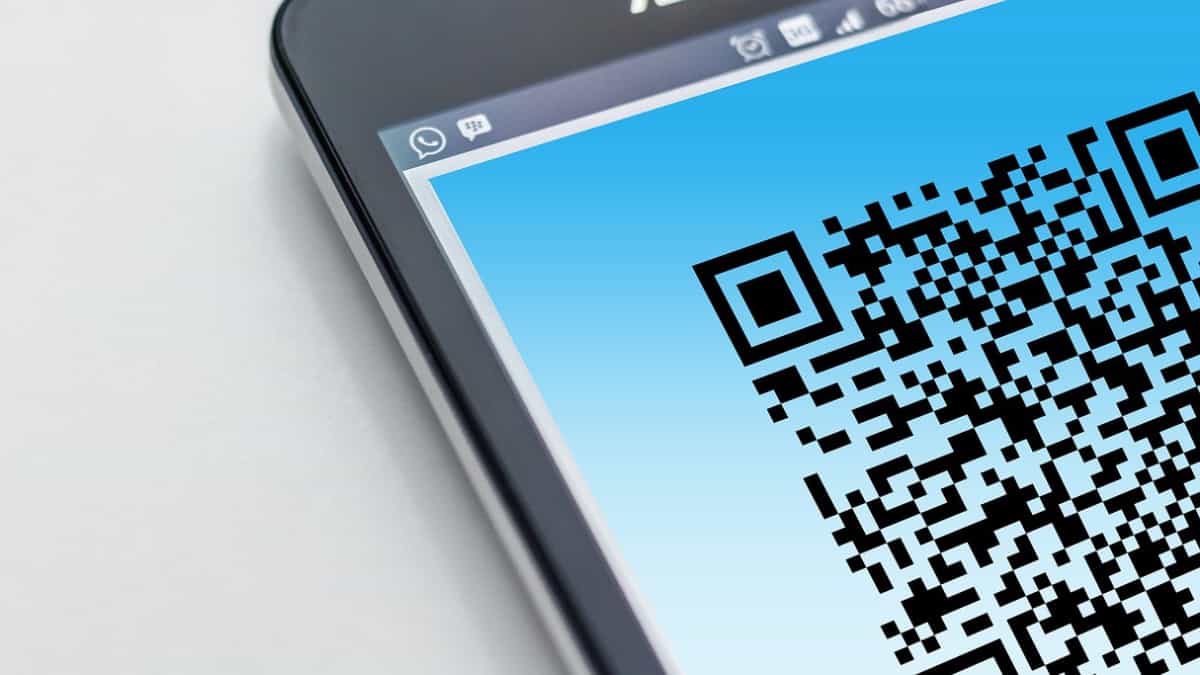
QR code
While QR codes bring convenience to your fingertips, these scannable squares are a black-and-white minefield.
Any facility online is prone to scams, and QR codes aren’t any different. In recent years, they have become the storm centre for quishing or QR phishing scams, which may loot your data and drain your bank accounts.
How does the quishing scam work?
Quishing involves scammers using fake QR codes to lure people to fraudulent websites to steal their bank account details.
Generally, the scammer may ask the user to scan a QR code using their phone camera, redirecting them to another website. This website can be a fake duplicate of a genuine e-commerce or bank website, asking for the user’s personal information or bank details.
Some QR codes ask the user for the UPI PIN for verification, which is then sent to the scammer who uses it to drain the victim's bank account. Otherwise, the QR code might download malware onto the user’s device, silently siphoning off personal information or tracking online activity.
‘Quishers’ exercise profuse tactics to lure victims, with urgency and scarcity being a common ploy. Limited-time offers, fake account suspension threats, or expiring deals create a sense of panic decoying users to scan fraudulent QR codes.
Fake QR codes often appear on seemingly legitimate materials like flyers, posters, or even packaging, mimicking logos and branding of known companies.
Malicious QR codes have also crept into the digital world, making their way into emails, social media posts, or even ads.
How to protect yourself from quishing? Here are some useful tips to stay safe:
Think before you scan: Don't scan every QR code you see. Be vigilant and sceptical, especially if it offers something too good to be true or it's in an unexpected location.
Always verify the source: Remember to verify the authenticity of a QR code found on a physical object by reaching out to the establishment associated with it.
Use a QR scanner with security features: Download a reputable QR scanner app that can detect malicious links and warn you before you scan them. Some apps even offer website preview features, letting you see where the code leads before taking the plunge.
Never share sensitive information via QR codes: Be circumspect if asked for sensitive information like login credentials or financial details through a QR code. Legitimate companies rarely ask for such information through QR codes.
(With inputs from agencies)